
How to plan a business website in Pakistan.
A webdastak planning note on turning a business goal into a clear website brief, with useful content and a simple path to enquiry.
Talk about your project ↗By webdastak editorial team · Updated 10 November 2026
Start with one business goal
Choose the action your website should support: a useful enquiry, a booking request, or a product purchase. Make that goal specific enough to guide the brief. For example, a service company might want visitors to describe their project and request a consultation. That goal helps you decide which information belongs on the service pages, what the form should ask, and which action to make prominent. Agree what a useful enquiry looks like before choosing visual details.
Understand the questions your customer brings
Write down who visits the website, why they need help, and what might make them hesitate. Ask the people who answer your phone or handle sales which questions come up repeatedly. A first-time customer may need an explanation of the service, while someone comparing providers may want to understand your process, coverage and pricing approach. Use those questions to shape the content instead of starting with a list of features.
- Who is this service for, and what problem does it address?
- What does the project or purchase process involve?
- What affects the price, and what information is needed for an estimate?
- How can a visitor contact you, and what happens after they do?
Map the path from discovery to enquiry
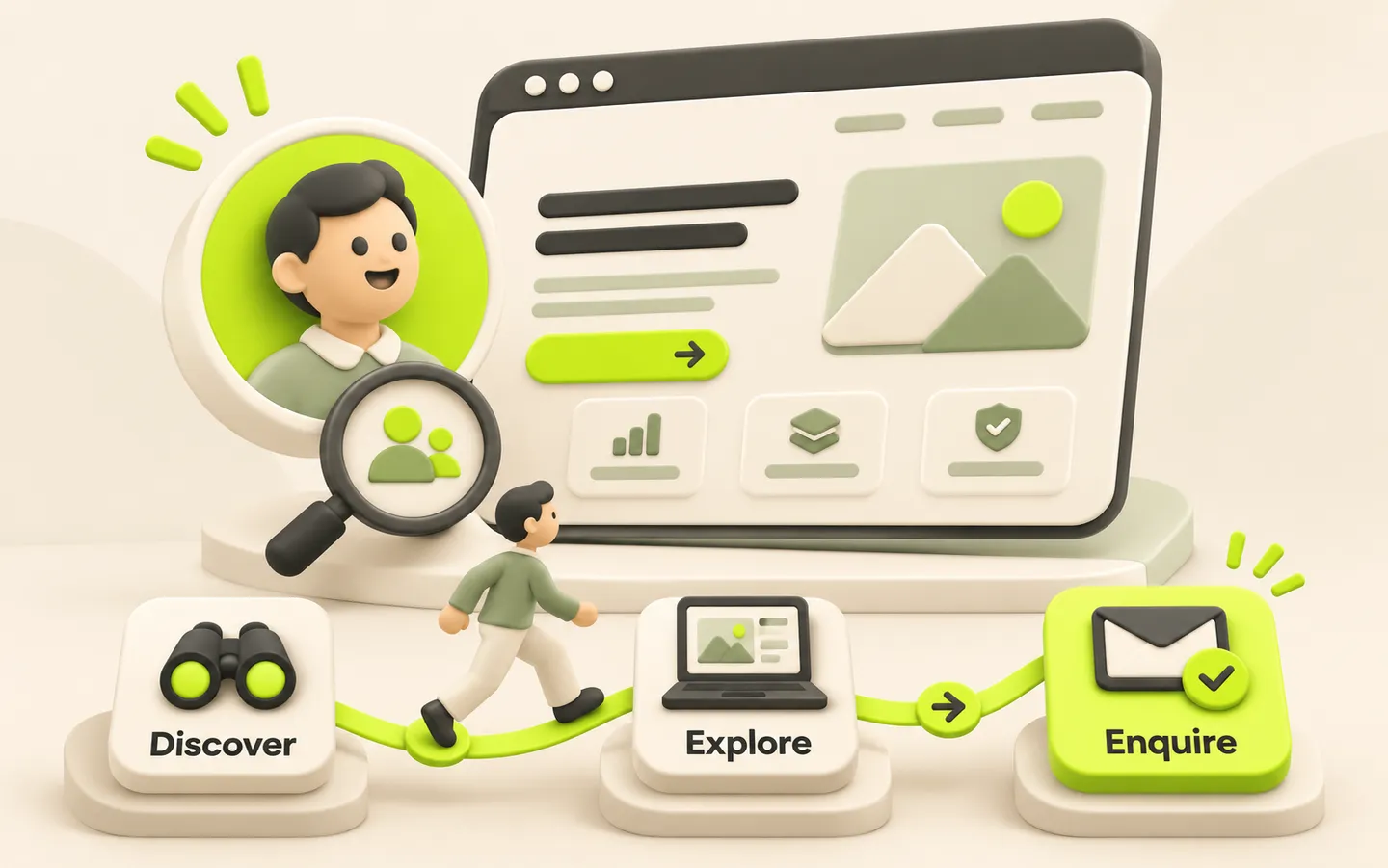
A visitor may arrive directly on a service page from search or a campaign without seeing your homepage. Each key page should explain the offer, answer the immediate questions and provide a relevant next step. An illustrative journey could be a search for a booking website, a visit to your web-development page, a review of the process, and a project enquiry. Make that route easy to follow with descriptive links and a clear contact action.
Choose pages by purpose
Give each page a defined job. Your homepage introduces the business and points visitors toward relevant services. A service page explains one offering in enough detail to support a decision. An about page establishes who is behind the work, and a contact page explains how to reach the team. Add separate pages when the content serves a distinct customer need; avoid repeating the same text under different headings.
- Create a short page list with the audience and intended action for each page
- Identify the questions each service page must answer
- Choose relevant examples and photographs you have permission to use
- Mark the text, images and business details that still need approval
Write useful content before polishing the design
Draft the main message, service descriptions and common answers early. Real content reveals whether a page needs a comparison, a process explanation or a simple enquiry form. Use clear descriptions of what you deliver and avoid promises you cannot substantiate. For example, explain the agreed stages of a project and the information needed to begin. Give one person responsibility for checking contact details, claims and final copy so the design is built around approved information.
Make the enquiry practical for both sides
Ask for enough information to respond usefully without turning the first contact into a long application. Name, contact details, the service of interest and a short project description may be a useful starting point. Add fields only when your team will use the answers. Explain what happens after submission, show a clear success message, and provide a contact alternative if the form fails. Assign someone to review enquiries so a working form leads to an actual conversation.
Review the mobile experience before launch
Read every important page on a narrow screen and follow the full route to contact. Check that headings are easy to scan, buttons are comfortable to tap and images do not hide useful information. Test the form with incomplete and valid entries, then confirm that the message reaches the intended destination. Include keyboard navigation and visible focus states in the review.
- Check navigation, phone links and contact details
- Read the copy and inspect image cropping on mobile
- Test required fields, error messages and successful submissions
- Confirm page titles, descriptions and internal links
Agree what happens after launch
Choose who owns content updates and how your team will review enquiries. Start with a few useful measures, such as completed enquiry forms and the quality of the resulting conversations, rather than collecting numbers without a decision attached. Review questions that customers still ask and use them to improve the relevant page. Keep a short list of follow-up improvements so launch becomes the start of an ongoing content process.
Prepare a brief your team can act on
Bring together the business goal, intended audience, page list, draft content and required integrations in one document. Include your preferred launch window, who can approve work and which features are essential for the first release. This gives a designer or developer enough context to question gaps, propose a realistic scope and explain what is needed from your team.