
When does your business need custom software?
A webdastak planning note on finding repeat work, mapping responsibilities, and choosing a useful first release for a business application.
Talk about your project ↗By webdastak editorial team · Updated 10 November 2026
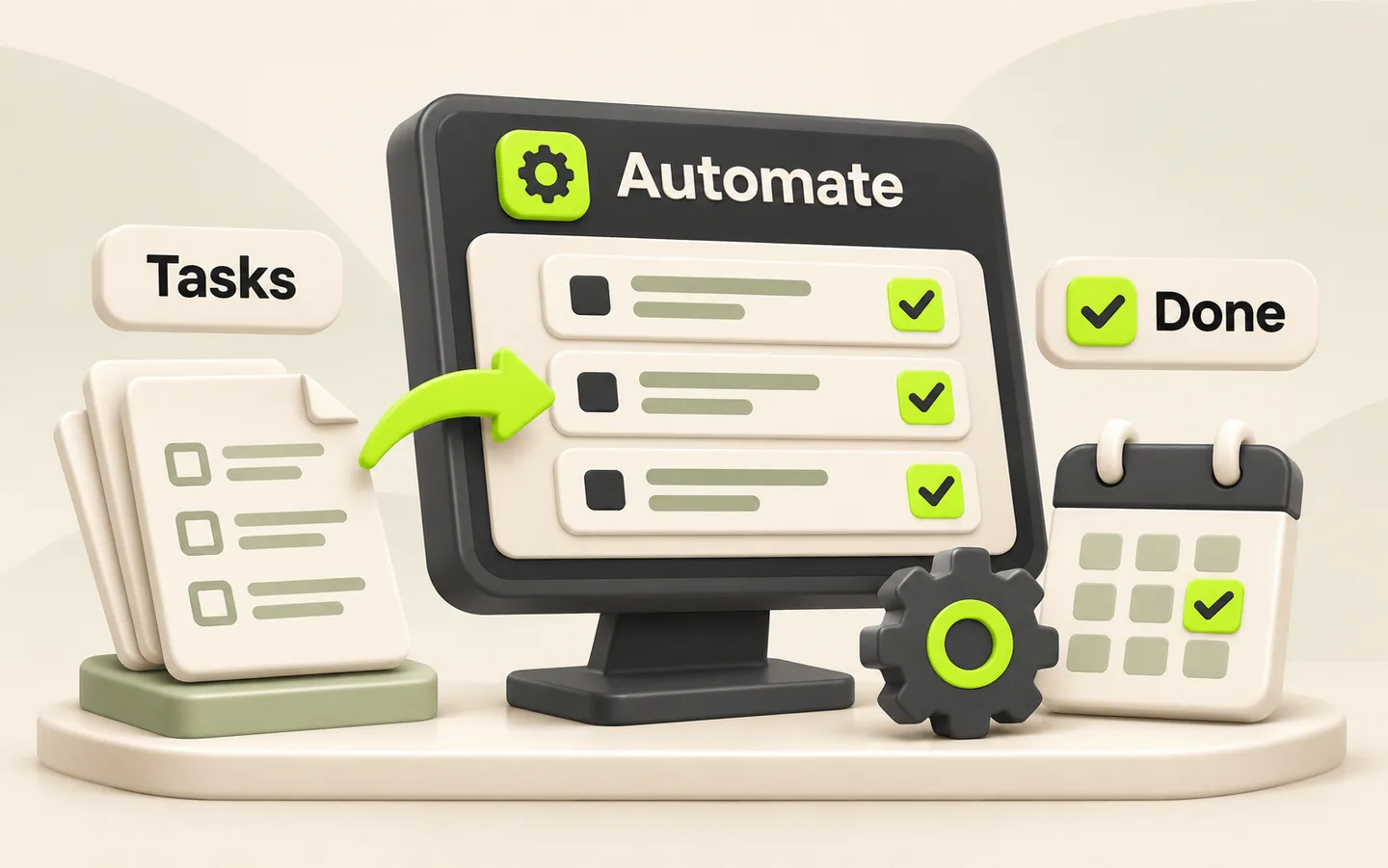
Find the repeated work
Look for information copied between spreadsheets, missed handovers and tasks that depend on one person remembering the next step. These are useful signals to investigate, but they do not automatically mean you need custom software. Observe a few real examples of the work and ask the people doing it where delays or mistakes occur. Describe the problem in practical terms, such as entering the same customer details in three places or losing track of requests after approval.
Map the process before choosing a tool
Follow one task from the moment it arrives until it is complete. Record who receives it, what information is needed, which decisions are made and where the result is stored. Include exceptions, such as a cancelled request, missing information or a manager who is unavailable. A simple written process often reveals an unclear responsibility that can be fixed before any development begins.
- What starts the task, and who owns it at each stage?
- Where does the information come from, and which record is authoritative?
- Which steps need approval, and what happens when approval is refused?
- How does the team know the task is complete?
Try the smallest useful improvement first
If the problem is inconsistent data entry, a shared form and a clearer spreadsheet may be enough. If it is a missed follow-up, an existing task tool with reminders may solve it. Review the tools you already pay for before commissioning a new application. Custom software becomes a stronger option when essential business rules, permissions or connections cannot be handled reliably by a simpler setup. Write down those gaps so the decision is based on actual requirements.
Example: from a manual request to a tracked workflow
Consider an illustrative team receiving service requests through messages and paper forms. An administrator copies the details into a spreadsheet, asks a manager for approval and then tells a colleague to begin. A focused application could capture the request once, show its status, record the approval and assign the next task. The first release might cover only this journey. Reporting, customer accounts and additional departments can wait until the team has tested whether the core process works.
Define people, permissions and business rules
Identify who creates a record, who can change it and who can approve or close it. Consider what happens when someone leaves the team or needs temporary access. Translate vague requirements into examples that can be checked: a staff member can edit an unapproved request, while an approved request needs a recorded change. These decisions affect both the interface and the work required behind it.
- List user roles and the information each role needs to see
- Define required fields, statuses and allowed transitions
- Specify approvals, notifications and the handling of exceptions
- Decide which changes need an audit history
Check your existing data and integrations
List the systems that already hold customer, order or inventory information. Check whether they support the access needed for an integration and identify who manages each account. Review sample records for duplicates, missing fields and inconsistent formats before planning a migration. Agree what should happen if an external service is unavailable, including how the team will identify and retry unfinished work. A new dashboard is only useful when the information behind it is dependable.
Choose one useful first release
Select a workflow with a clear owner and a manageable start and finish. Write acceptance criteria that describe what staff should be able to do, then separate essential steps from later ideas. For example, a request should be captured, reviewed, assigned and closed without re-entering its core details. Agree how it will be tested and what records will be used. Keeping the initial scope focused makes it easier to find gaps before more departments depend on the system.
Plan rollout, support and a fallback
Introduce the application to a small group who perform the work regularly. Provide simple instructions, collect their feedback and assign someone to handle support questions. Confirm how data is backed up, who can restore it and what the team should do during an outage. If an old spreadsheet remains temporarily available, define which system owns new records so people do not maintain two conflicting versions. Expand usage after the first group can complete the workflow reliably.
Measure whether the change helped
Record a starting point before rollout, such as time spent entering a request, the number of duplicate records or how often tasks miss a handover. Compare the same measures after the team has learned the new process. Review the findings alongside staff feedback; a faster screen alone does not prove the full workflow improved. Use that evidence to decide whether to refine the first release or add the next workflow.